
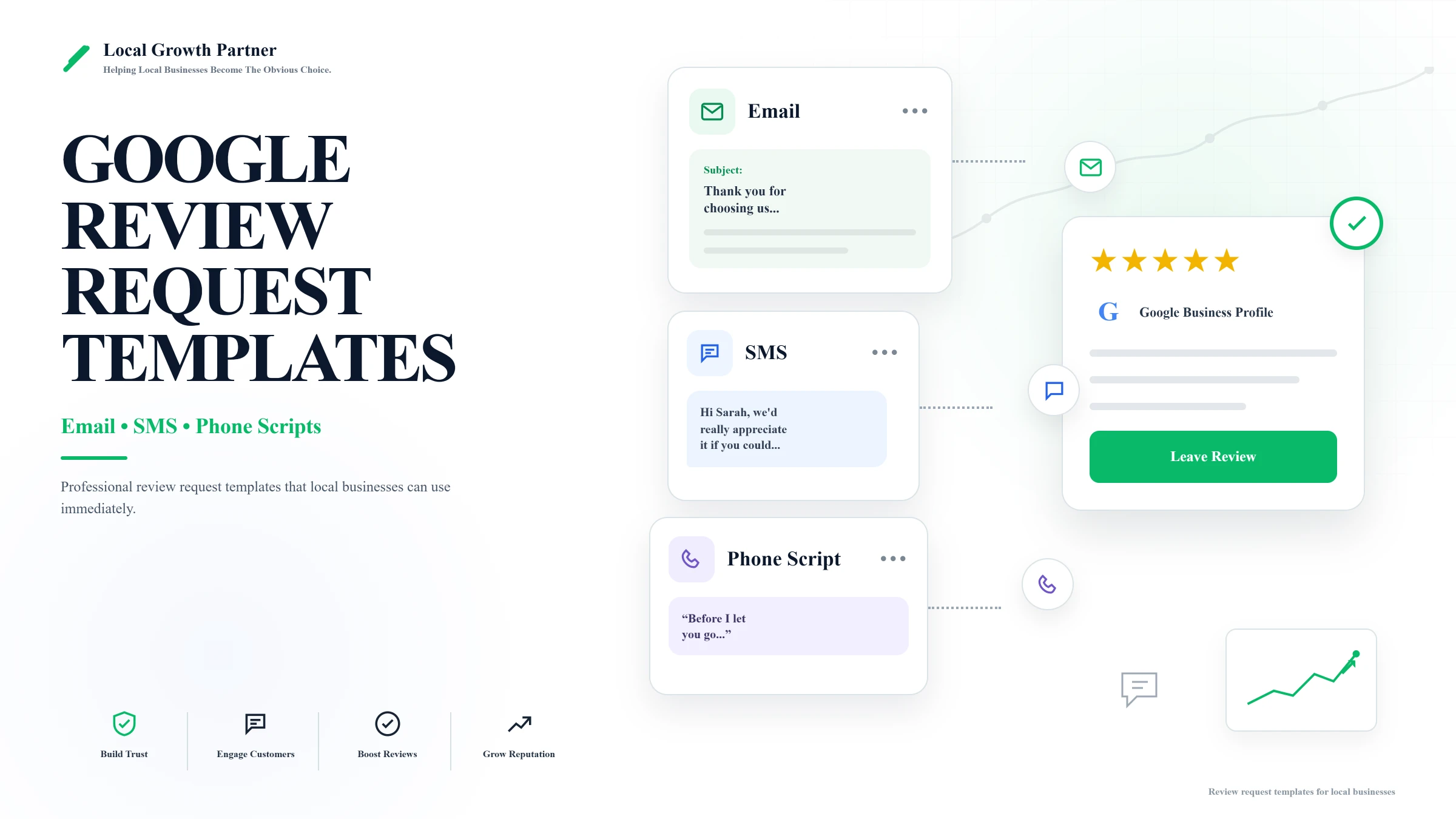
Most customers are happy to leave a review. They just never get asked, or they get asked in a way that feels awkward for both sides. Use the generator below to build a personalized message in seconds, or scroll down to copy any of the email, SMS, or phone templates as-is and tweak the wording so it sounds like you instead of a script.
If you haven’t already, you can use our Google review calculator to find out exactly how many new 5-star reviews you need before you start sending these out.
Google review request generator
Pick a channel and tone, fill in a few details, get a ready-to-send message in seconds.
Enter the client’s name.
Enter your business name.
Fill in the details and generate your message. It’ll show up here, ready to copy.
Before you send anything: get your review link ready
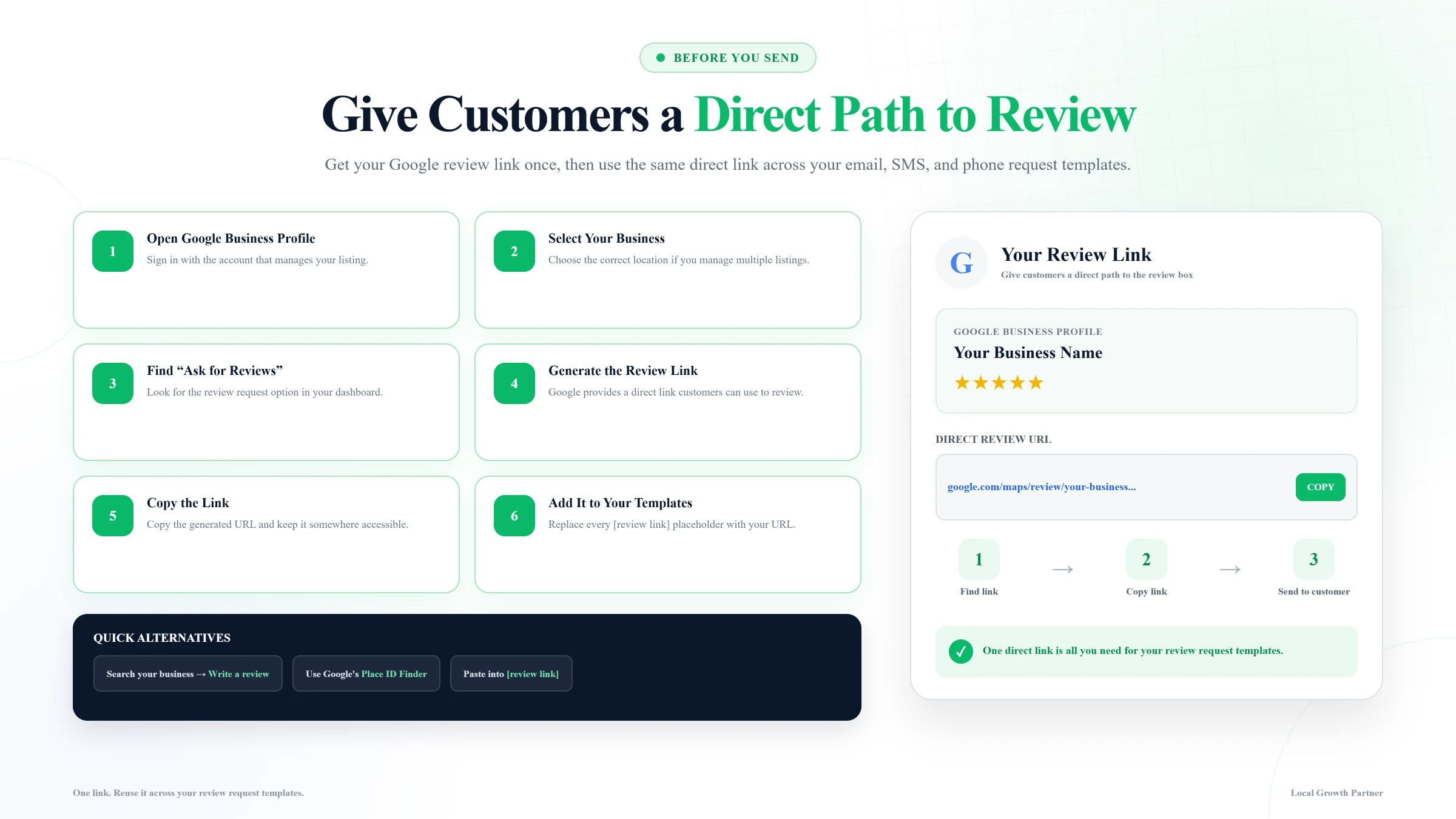
Every template below assumes you’re sending a direct link that takes the customer straight to the review box, not just your Google Business Profile homepage where they have to go hunting for it. You can generate this link from your Google Business Profile dashboard under the “Ask for reviews” option. Paste that link into any of the templates below.
How to get your review link?
- Go to Google Business Profile Manager and sign in with the account that manages your listing.
- Select your business, if you manage more than one location.
- Look for the “Get more reviews” or “Ask for reviews” option (it usually shows up on the main dashboard, sometimes under a “Home” or “Reviews” tab depending on how Google has your dashboard laid out).
- Click it. Google will generate a short, direct link that takes customers straight to the review box, not your business’s homepage on Google.
- Click Copy link (or copy the URL manually).
- Paste that link into any
[review link]placeholder in the templates below.
A couple of shortcuts:
- If you’d rather skip the dashboard, you can also generate this same link by searching your business name on Google, then clicking “Write a review” and copying the URL from the address bar, or using Google’s Place ID Finder to build the link manually.
- Once you have the link, it doesn’t expire or change, so you only need to grab it once and reuse it in every template on this page.
Timing matters more than wording
When you ask matters almost as much as what you say. Asking the moment a job finishes can come across as transactional, like the review was the actual goal of the service. Waiting two to four days, once the customer has had a chance to actually use or experience what you provided, tends to get better response rates and more detailed, genuine reviews.
The exception is fast-service businesses (restaurants, salons, quick repairs) where the experience is over the moment they walk out. For those, asking same-day or next-day still works fine.
Email templates
1. Formal, for a first-time customer
A first impression deserves a more polished tone. This one works well for professional services, B2B clients, or anyone you haven’t built a casual rapport with yet.
Review Request Email
Personalize the placeholders, then copy the email and send it to your customer.
2. Casual and friendly, for general use
This is your everyday, all-purpose ask. Use it for most customers when there’s no specific reason to go more formal or more personal.
3. Warm, for a repeat customer or after a resolved issue
Use this one when the relationship has some history, either a returning customer or someone whose initial issue you worked through and fixed. The tone should reflect that there’s already trust built, not a cold ask.
SMS templates
Text messages need to be shorter and more direct than email. People skim texts; they don’t read them.
1. Formal / first-time customer
2. Casual and friendly
3. Warm / repeat customer or resolved issue
Phone scripts
A phone call (or an in-person moment at checkout) is often the highest-converting ask, since you’re talking directly to someone who just had the experience. The key is keeping it short and not making it feel like a sales pitch tacked onto the end of the call.
Formal
End of a service call
Casual
Wrapping up in person
Warm
Repeat customer or resolved issue
What to do if someone says yes but hasn’t left it yet
It’s normal for people to agree in the moment and then forget. One polite follow-up is fine; more than that starts to feel like pressure.
One Follow-Up, About a Week Later
Works for either text or email. Send this once if someone agreed but hasn’t left the review yet. Sending more than one follow-up starts to feel like pressure.
What not to do
A few things to avoid. They can backfire, and some cross directly into territory Google actively penalizes.
- Don’t incentivize reviews. No discounts, freebies, or anything offered in exchange for a review. Google’s policies explicitly prohibit this, and if you’re caught, reviews can be removed, or your profile can be restricted.
- Don’t cherry-pick who you ask. Only asking your happiest customers, and skipping everyone else, is also against policy. It also tends to produce a rating that looks unnaturally perfect, which can raise red flags on its own.
- Don’t over-follow-up. Stick to one, maybe two, reminders. Beyond that, it stops feeling like a gentle nudge and starts feeling like nagging.
Keep the momentum going
Once you’ve got a system for asking, the next thing worth checking is whether your Google Business Profile itself is set up to convert once people land on it. Our Google Business Profile optimization guide and free GMB description generator are good next steps if you haven’t already worked through those.
And if you want to know exactly how many more reviews like these would move your rating, the Google review calculator will give you that number in seconds.